Multiwinia Steam Gift

Multiwinia

Release date
September 19, 2008
STEAM
Yes
Metacritic score
76
Regional limitations
Region free
Developers
Introversion Software
Publishers
Introversion Software
Genres
Indie
Platform
Steam
Languages
English French German Italian Spanish

Description

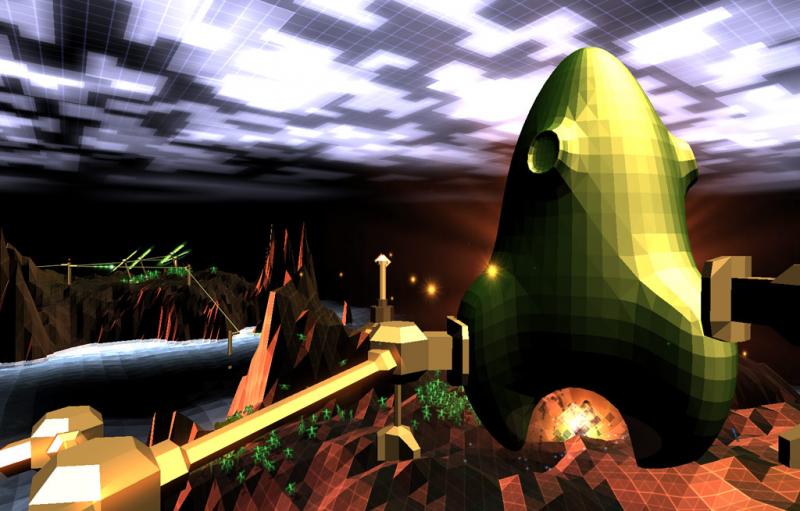
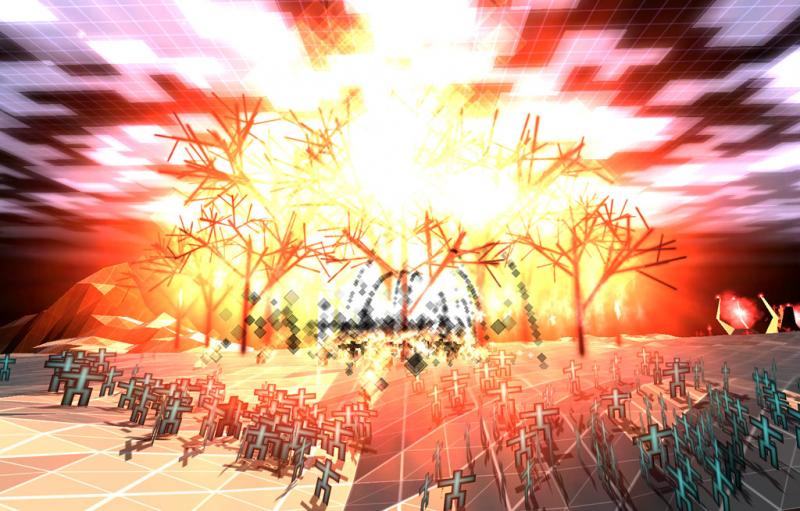
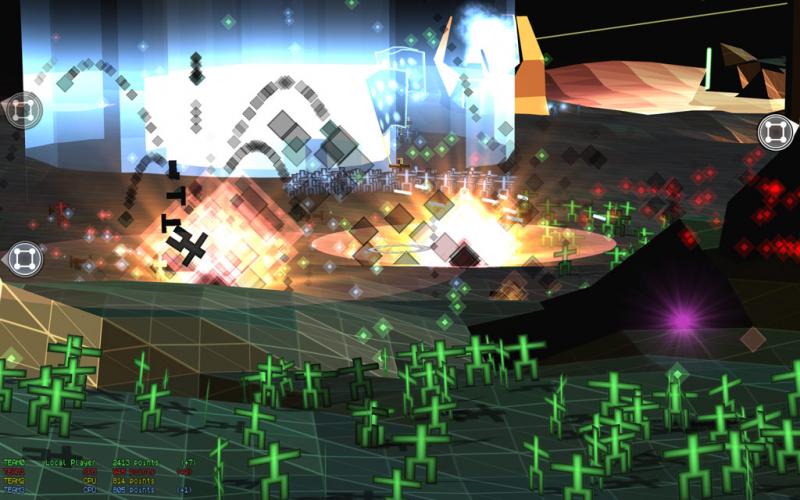
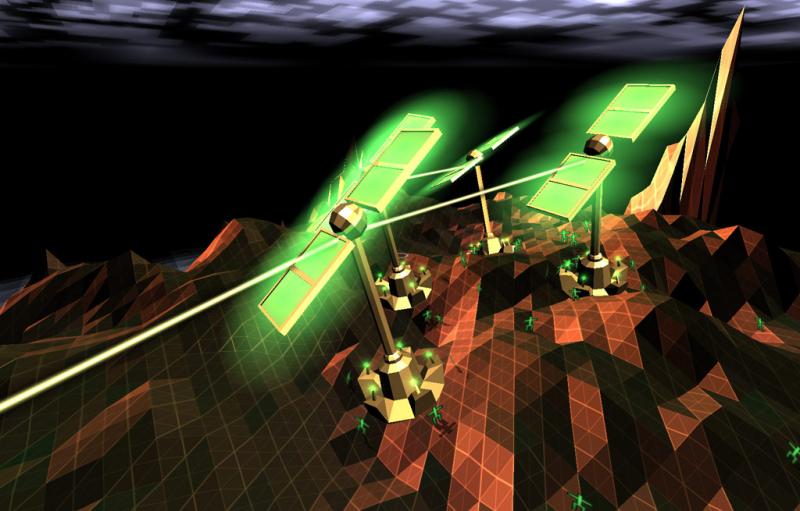
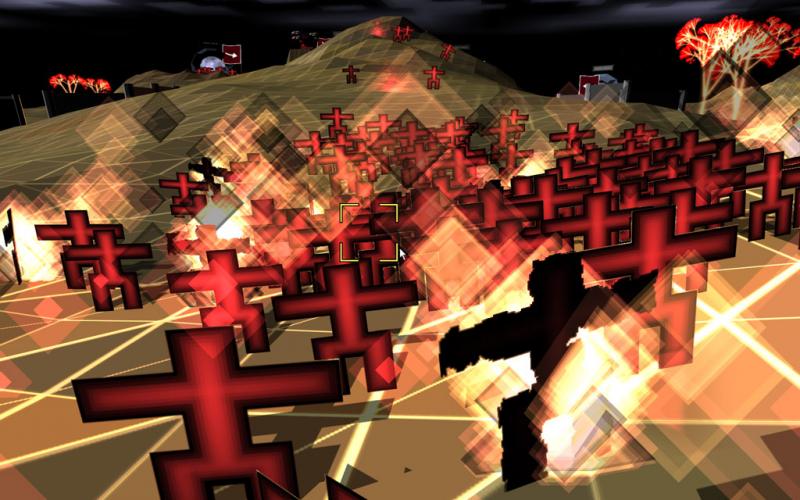
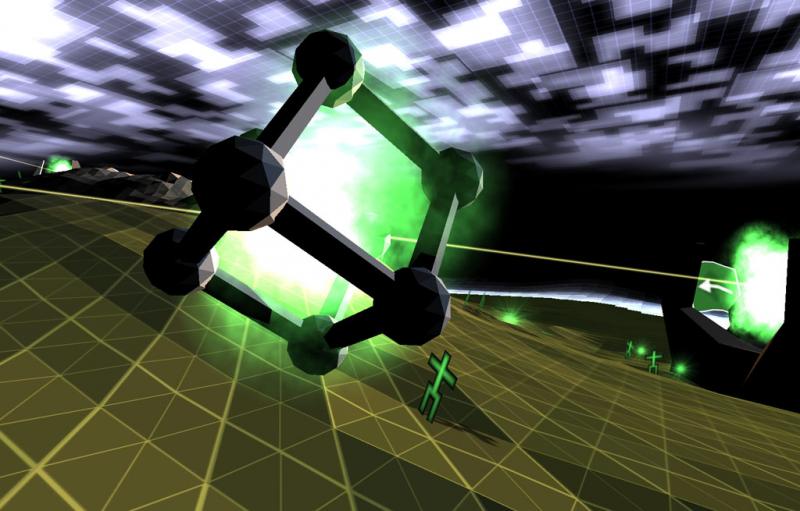
«Long ago a computer scientist called Dr. Sepulveda created a beautiful digital world existing entirely within a computer network of his own invention. This world was called Darwinia and it was inhabited by a peaceful, law-abiding digital life form called the Darwinians.As the years wore on however the Darwinians became ever more aggressive and autonomous. They divided into factions, squabbling over Darwinia’s limited natural resources. Tribes began to roam the fractal voids hell-bent on each other’s destruction, drunk on power and unswerving in the pursuit of world supremacy.Far and wide, they became known as the Multiwinians…»Welcome to Multiwinia: Survival of the Flattest — the ultimate retro-arcade multiplayer experience! Choose from a selection of six spectacular action-packed game modes, set in one of the most beautiful game environments you will ever set eyes on.Challenge your opponent to a game of stick-man slaughter, and watch digital war unfold, as your Multiwinian army struggles to complete a chosen task faster and better than your rival’s. It’s fast, it’s furious, and only the flattest will survive!


System requirements

Windows
Supported OS: Windows XP or Vista Processor: 2.0 GHz CPU Memory: 512 MB RAM Graphics: GeForce 6200 or RADEON 9600 series Hard Drive: 64 MB free space
Linux
Processor: 2 Ghz Memory: 1Gb Graphics: 64Mb of memory Hard Drive: 70Mb
Mac
OS: OS X version Leopard 10.5.8, Snow Leopard 10.6.3, or later. Processor: Intel Core Duo 1.66GHz+ Memory: 1GB of RAM Graphics: 64MB of video memory Hard Drive: 64 MB

Activation details

Go to: http://store.steampowered.com/ and download STEAM client Click "Install Steam" (from the upper right corner) Install and start application, login with your Account name and Password (create one if you don't have). Please follow these instructions to activate a new retail purchase on Steam: Launch Steam and log into your Steam account. Click the Games Menu. Choose Activate a Product on Steam... Follow the onscreen instructions to complete the process. After successful code verification go to the "MY GAMES" tab and start downloading.
Carrito de compra
Scroll al inicio