Minimon Steam Gift

Description
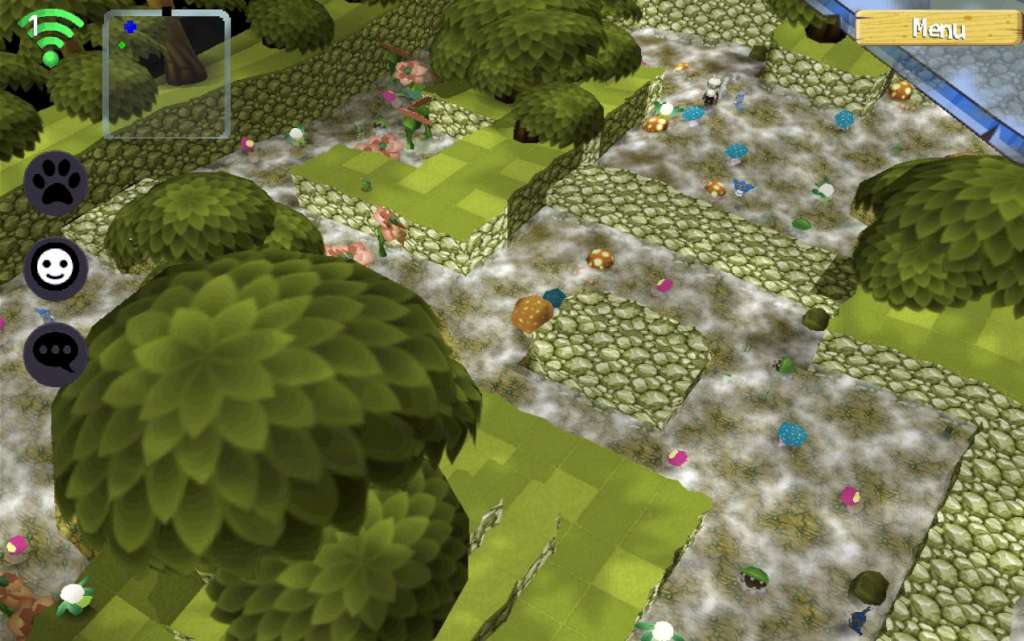
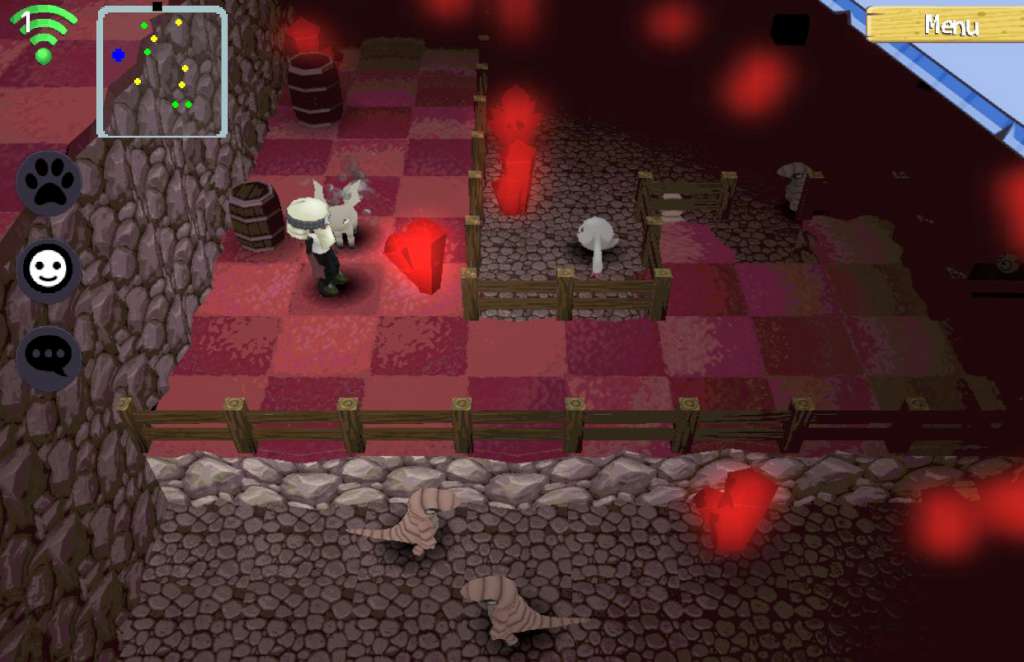
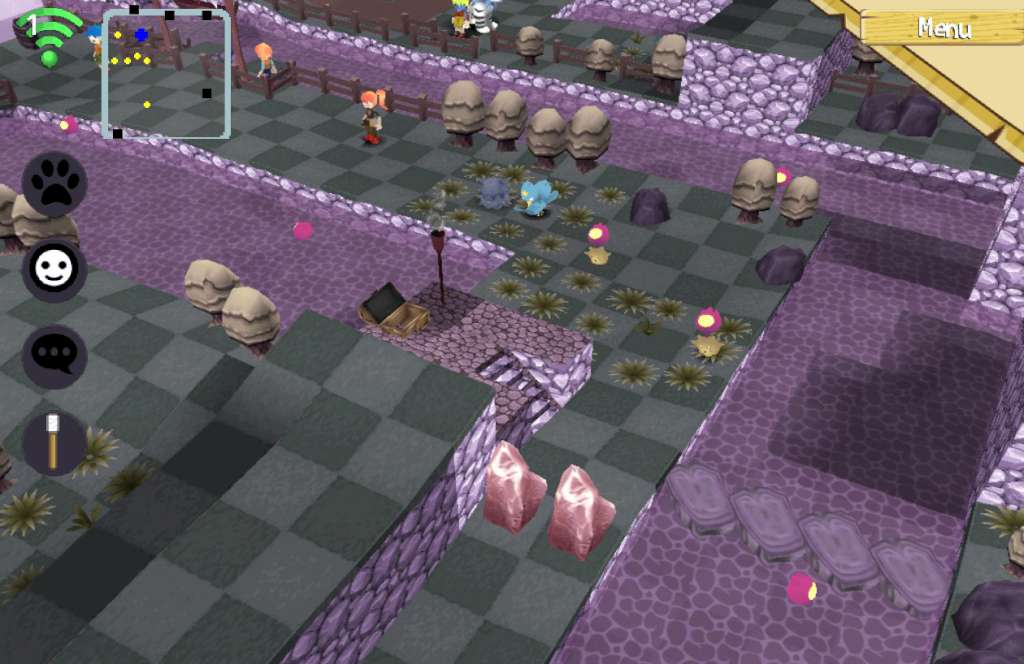
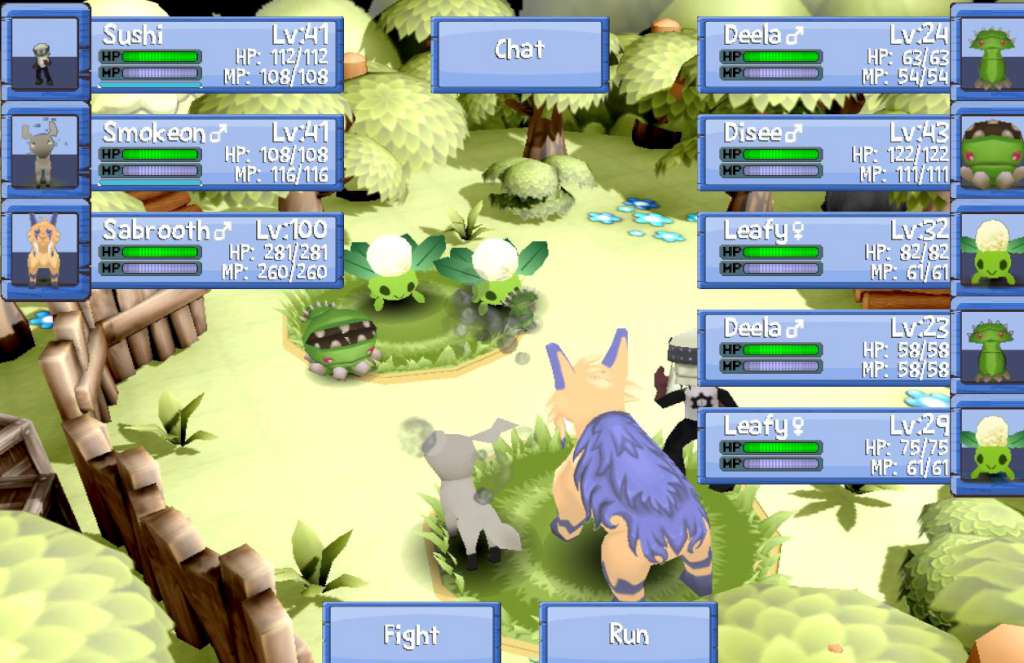
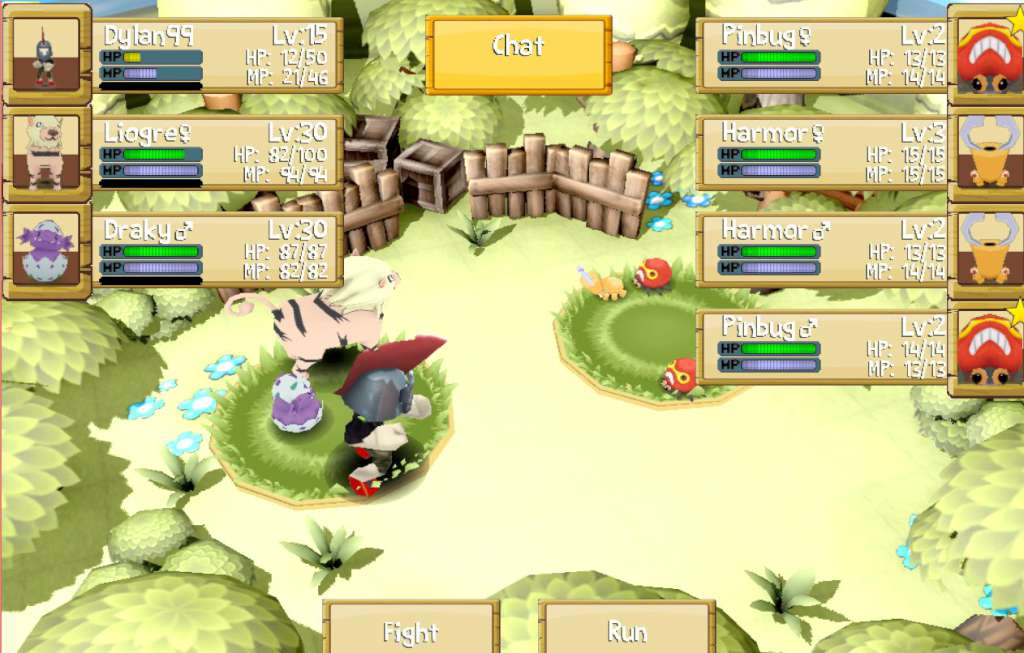
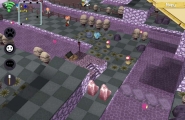
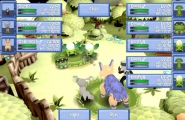
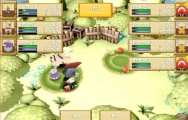
Start an adventure in a world full of monster hunters!Plagued by a strange disease, the continent of Chroma is in panic, and a strange turn of events will turn you – a small kid – into a powerful monster hunter, capable of tame even Ulmaxia, the dragon king! Customize your own monster hunter with tons of clothes, weapons and skills! More than 300 different monsters to train! Play either offline single player, local multiplayer via split-screen or online with up to 500 players per server! Tons of quests, secrets, and unlockable stuff!
System requirements
Windows
Minimum: OS: Windows XP Processor: 1.7 GHz Dual Core Memory: 512 MB RAM Graphics: NVIDIA GeForce GTX 260, ATI Radeon 4870 HD, Intel HD 3000, or equivalent card with at least 128 MB VRAM and support for Shadel Model 2.0 DirectX: Version 9.0 Network: Broadband Internet connection Storage: 300 MB available space Sound Card: Generic Sound Card
Linux
Minimum: OS: Ubuntu 10.0 Processor: 1.7 GHz Dual Core Memory: 512 MB RAM Graphics: NVIDIA GeForce GTX 260, ATI Radeon 4870 HD, Intel HD 3000, or equivalent card with at least 128 MB VRAM and support for Shadel Model 2.0 Network: Broadband Internet connection Storage: 300 MB available space Sound Card: Generic Sound Card
Mac
Minimum: OS: 10.6 Processor: 1.7 GHz Dual Core Memory: 512 MB RAM Graphics: Intel GMA 950 64MB Network: Broadband Internet connection Storage: 300 MB available space Sound Card: Generic Sound Card
Activation details
Go to: http://store.steampowered.com/ and download STEAM client Click "Install Steam" (from the upper right corner) Install and start application, login with your Account name and Password (create one if you don't have). Please follow these instructions to activate a new retail purchase on Steam: Launch Steam and log into your Steam account. Click the Games Menu. Choose Activate a Product on Steam... Follow the onscreen instructions to complete the process. After successful code verification go to the "MY GAMES" tab and start downloading.