Samurai Shodown V Special PC Steam Account


Description
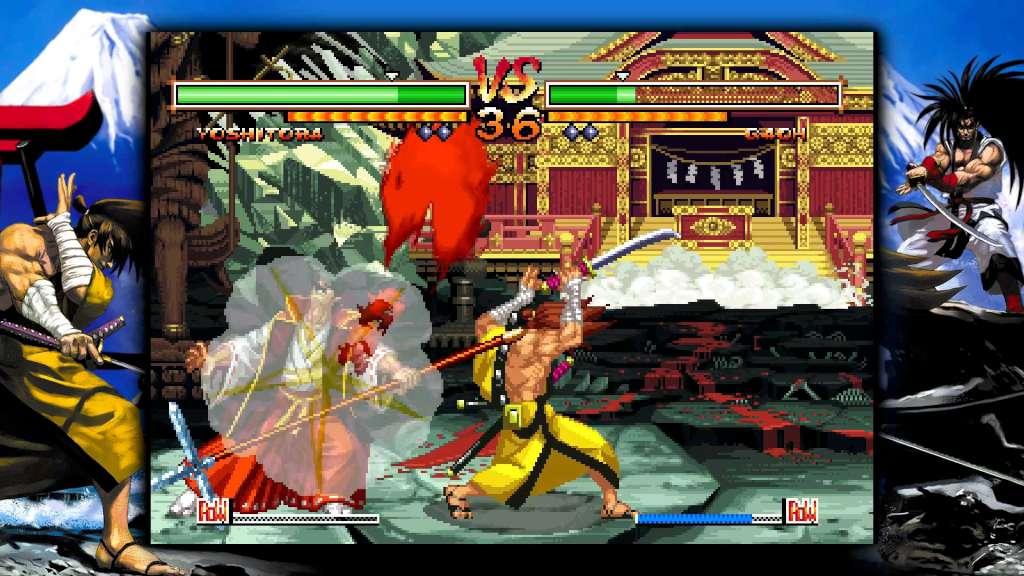
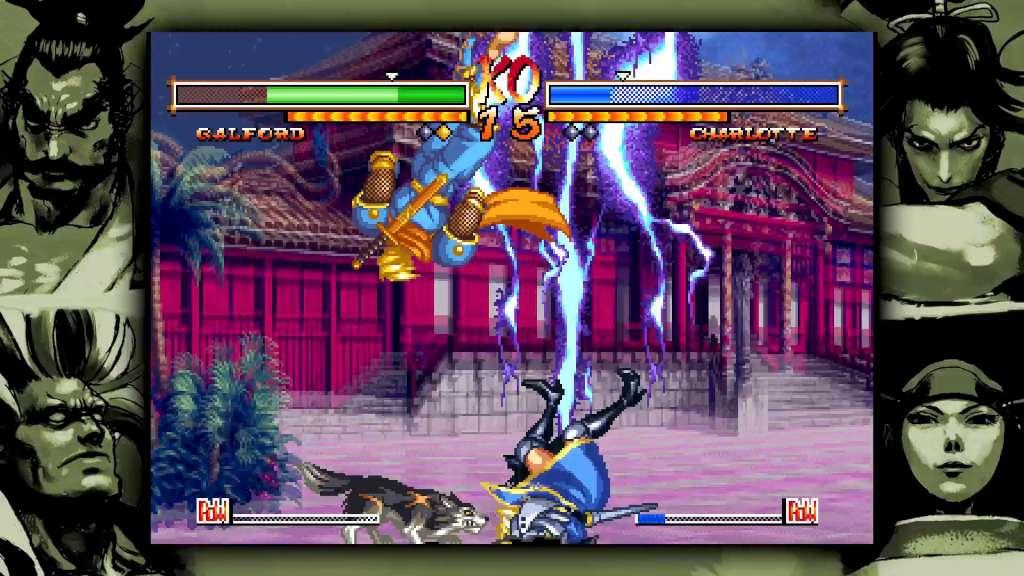
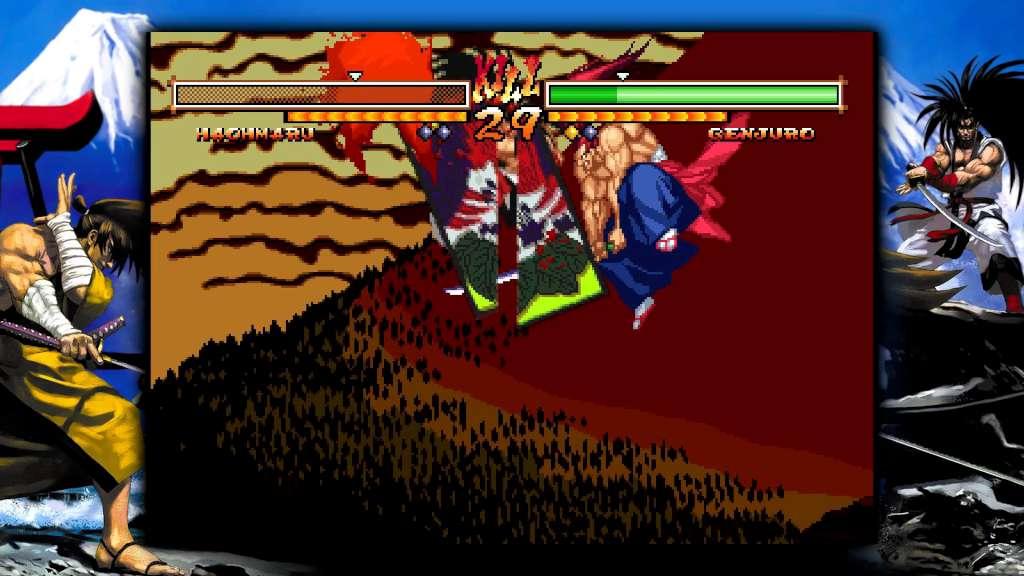
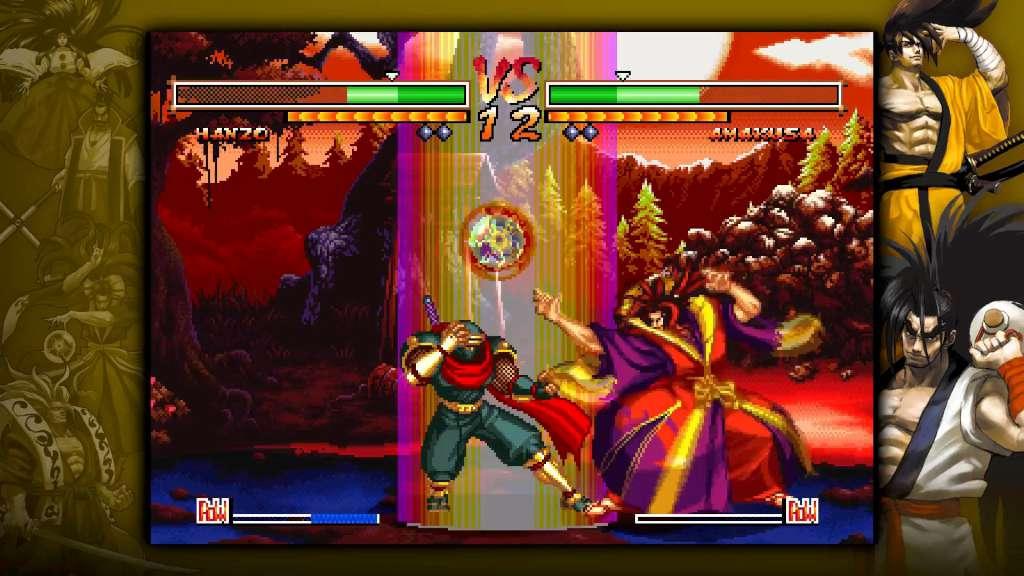
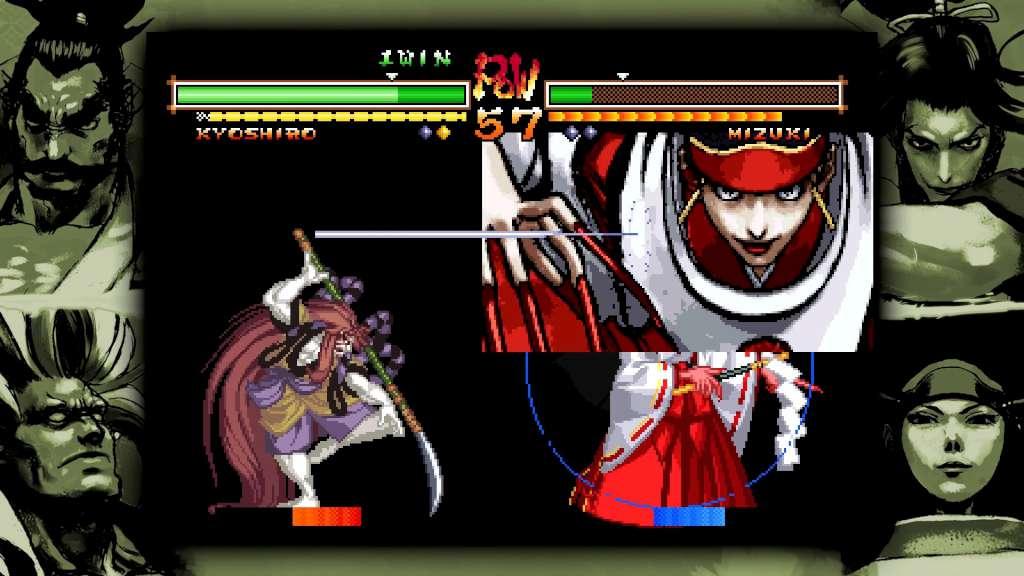
The last SAMURAI SHODOWN for the NEOGEO makes it to Steam! SAMURAI SHODOWN V SPECIAL, which was the last game made for SNK’s NEOGEO back in 2004, finally makes its way onto Steam. It features everything fans expect from a fighting game like training mode, online matches, and a plethora of adjustable settings! Challenge your friends to a game of life or death today by playing SAMURAI SHODOWN V SPECIAL, now on Steam! Features A duel to the death! OverKill Moves!The most iconic addition to this entry in the series is the inclusion of character specific “Overkill Moves”, which can be used to finish off an opponent with style. This version features the uncensored graphics and effects from the original MVS version. Over 28 unique playable characters!The game features a robust cast of 28 characters, including previous boss characters in the series such as Gaoh, Amakusa, Mizuki, and Zakuro. Plenty of fan favorites in the series see their return as well! Art Gallery and Custom Menu BGM!A variety of art and illustrations can be unlocked by fulfilling specific conditions in-game. Also you can select your favorite SAMURAI SHODOWN V SPECIAL tracks as the menu music. Online Multiplayer Mode Cross swords with players from around the world! Check out the Leaderboard to see who’s at the very top!