
Mail Mole Steam CD Key









Description
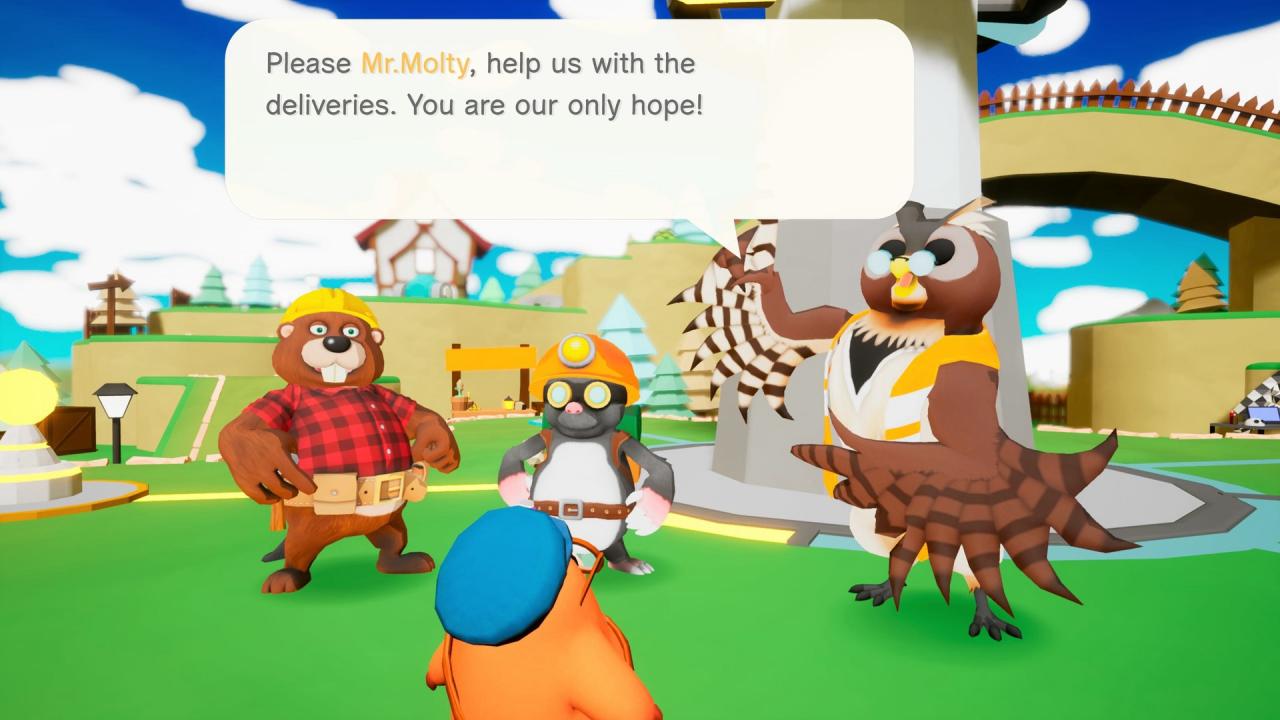
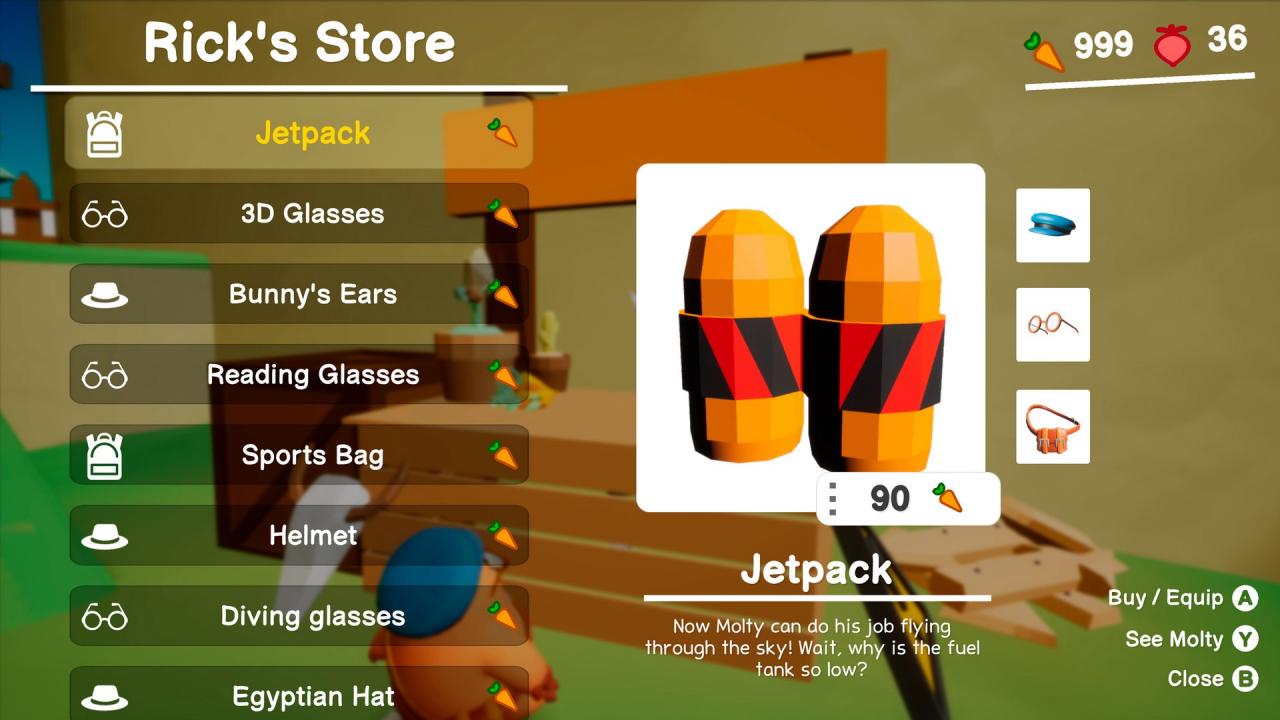
Mail Mole is a charming 3D platformer featuring Molty, the fastest delivery mole, in his quest to save Carrotland from disaster! Explore magical worlds, make new friends, race against Mecha-Moles, find collectibles, solve puzzles and deliver awesomeness to the end of the world! Running through the underground, climbing walls and soaring the skies, there’s no place our hero can’t reach! Traveling with Cannon Lines, Molty will take on the most demanding and varied platforming challenges to reach Carrotland’s furthest and oldest Mailboxes: endless pits, giant boulders, steep slopes, bouncing platforms, sharp spikes….. tough roads! But when the power is out, you can’t send an e-mail!Explore magical worlds, from the calm beaches of Coconut Islands to the freezing heights of Yeti Ridge, make new friends, race against unusual mech-rivals, solve puzzles and find all of the delicious collectibles scattered around Carrotland, as Molty (the mail mole!) embarks on an adventure to make his most important delivery yet… before it’s too late!In Peaceful Plaza, Carrotland’s main hub, you’ll meet a happy bunch of villagers, which are currently worried because of a fishy power outage. But worry not, as Molty will help to fix the power lines and receive some accessories as a reward! An elegant top hat, a goofy straw hat, a lovely bunny headband or a flashy jetpack will make Molty look like the coolest mail mole around!