
L.A. Noire: The VR Case Files PC Steam CD Key







Description
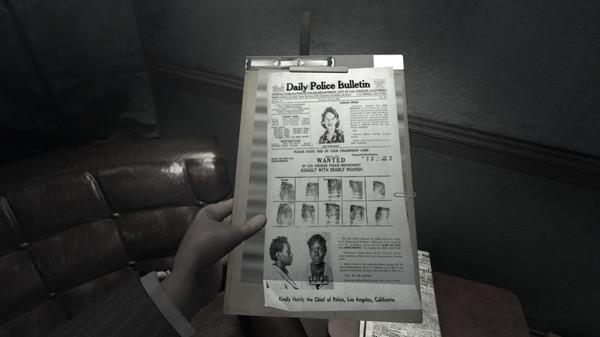
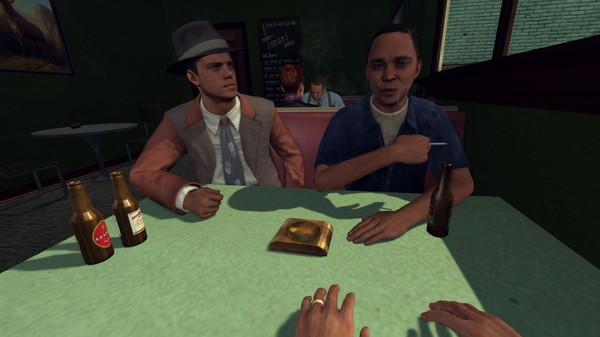
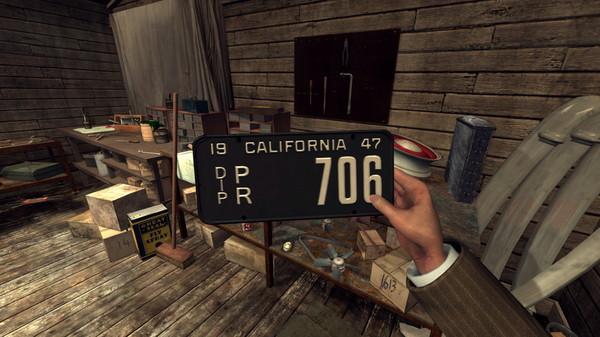
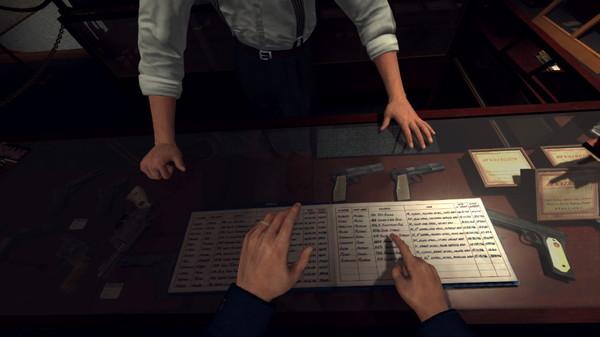
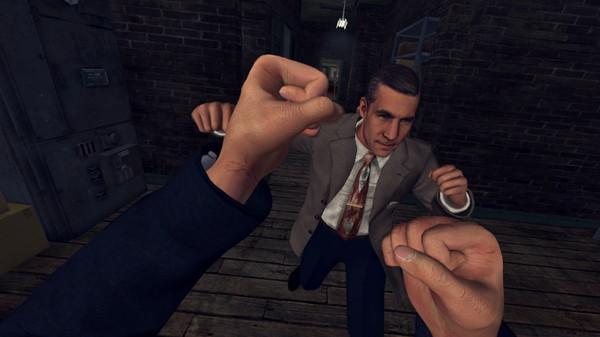
A dark and violent crime thriller set against the backdrop of 1940’s Los Angeles, now in stunning virtual reality. L.A. Noire: The VR Case Files places you directly in the shoes of Detective Cole Phelps as you solve brutal crimes, plots and conspiracies inspired by real cases from 1947 Los Angeles, one of the most corrupt and violent times in L.A. history. Featuring seven cases rebuilt specifically for virtual reality, L.A. Noire: The VR Case Files adds new layers of immersion and realism to Rockstar Games’ atmospheric crime thriller as you solve select cases from the blockbuster original game, spanning mysteries from the Detective desks of Traffic, Arson, Homicide, and more. Search for clues by grabbing, inspecting and manipulating objects Get behind the wheel and drive to your next crime scene Engage in chases, fistfights and shootouts as you track down suspects Build your case by making notes or drawing freehand in your detective’s notebook Interrogate witnesses and use your wits to separate truth from lies in a city where everyone has something to hide Additional System SpecificationsDue to current performance issues with AMD hardware, only specific combinations of AMD and NVIDIA/Intel Hardware will allow the game to play as intended: If using an AMD Ryzen 7 CPU, an NVIDIA GeForce GTX 1070 (or above) graphics card is required to play If using an AMD Vega 56 graphics card, an Intel i7 6700 (or above) CPU is required to play Attempting to use an AMD CPU and GPU together to play the game is not supported at this time L.A. Noire: The VR Case Files only supports a single graphics card architecture; NVIDIA SLI and AMD CrossFire features are not supported.Over time programming changes will change the system requirements for this game. Please refer to your hardware manufacturer and for current compatibility information. Some system components such as mobile chipsets, integrated, and AGP graphics cards may be incompatible. Unlisted specifications may not be supported by publisher. Other requirements: Installation and play requires log-in to Rockstar Games Social Club (varies 13+) network; internet connection required for activation and periodic entitlement verification; software installations required including Rockstar Games Social Club platform, DirectX 9, DirectX June 2010 Redistributable Package, Chromium, and Microsoft Visual C++ 2012 and 2015 Redistributable Packages, and authentication software that recognizes certain hardware attributes for entitlement, digital rights management, system, and other support purposes.Single use serial code registration via internet required; registration is limited to one Rockstar Games Social Club account (varies 13+) per serial code; only one PC log-in allowed per Social Club account at any time; serial code(s) are non-transferable once used; Social Club accounts are non-transferable.