
Unmechanical PC Steam Gift







Description
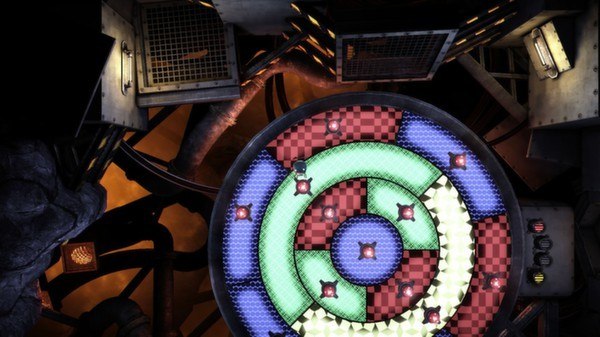
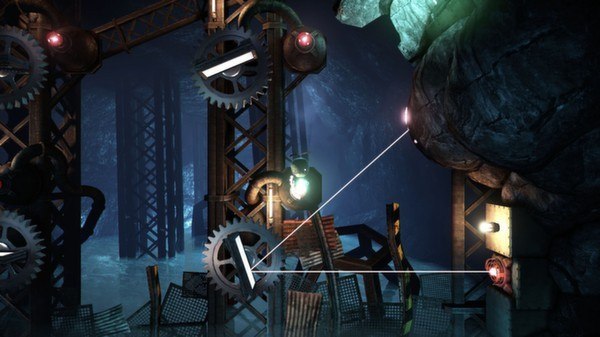
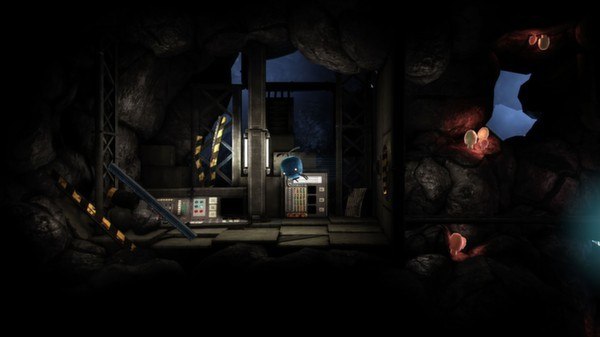
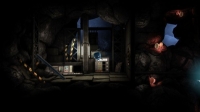
Unmechanical is a puzzle adventure that combines tricky puzzle solving, alluring exploration, and an engrossing atmosphere. Set in a fantastic world of flesh, rock and steel, your journey to freedom requires you to solve a great variety of puzzling challenges, and while it’s easy to pick up and play, later challenges may prove very difficult indeed. Key features: Intuitive and simple controls, applied to a great range of interactions. A carefully created world with unique environments and an engrossing atmosphere. More than 30 unique puzzles, including logic-, physics-, and memory- oriented challenges. Uncover a dark secret through strange clues and fantastic events. Over three hours of puzzle-solving, exploration, and adventure.
System requirements
Windows
OS *:Windows XP SP3 or Windows Vista Processor:2.0+ GHz or equivalent processor Memory:2 GB RAM Graphics:SM3-compatible video card DirectX®:9.0 Hard Drive:1 GB HD space Sound:DirectX compatible sound card
Mac
OS: OS X 10.6.6Processor: Intel Core i7, 2.5 GHzGPU: Nvidia Geforce 750MMemory: 4 GB RAMHard Drive: 7 GB HD space
Linux
Distro: Tested mainly on Ubuntu and SteamOSProcessor: Intel Core 2 Duo 2.6 GHz or AMD Athlon X2 2.8 GHz (a dual-core CPU is required)Memory: 2 GB RAMGraphics: ATI Radeon HD 4850, or Nvidia GeForce 9800 GT or equivalent. (With respective proprietary drivers). 512MB VRAM.Hard Drive: 7 GB HD space
Activation details
Go to: http://store.steampowered.com/ and download STEAM client Click "Install Steam" (from the upper right corner) Install and start application, login with your Account name and Password (create one if you don't have). Please follow these instructions to activate a new retail purchase on Steam: Launch Steam and log into your Steam account. Click the Games Menu. Choose Activate a Product on Steam... Follow the onscreen instructions to complete the process. After successful code verification go to the "MY GAMES" tab and start downloading.