Piczle Lines DX+α Steam CD Key


Description
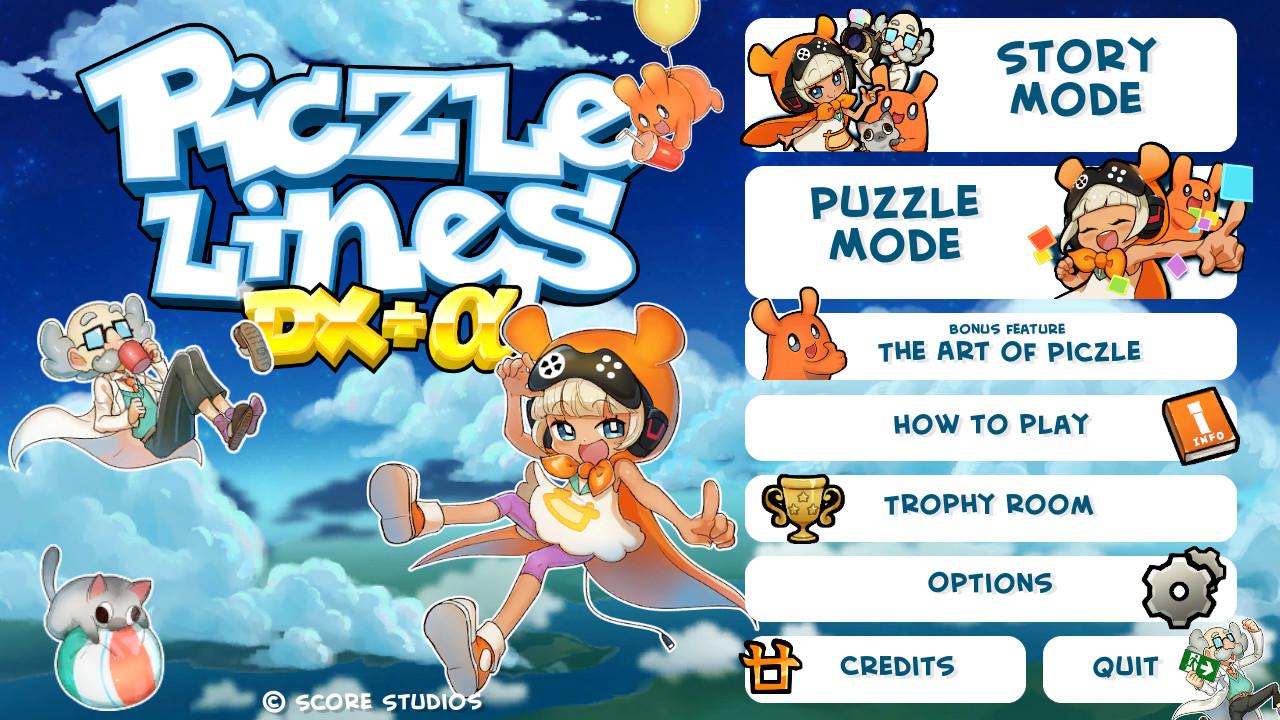
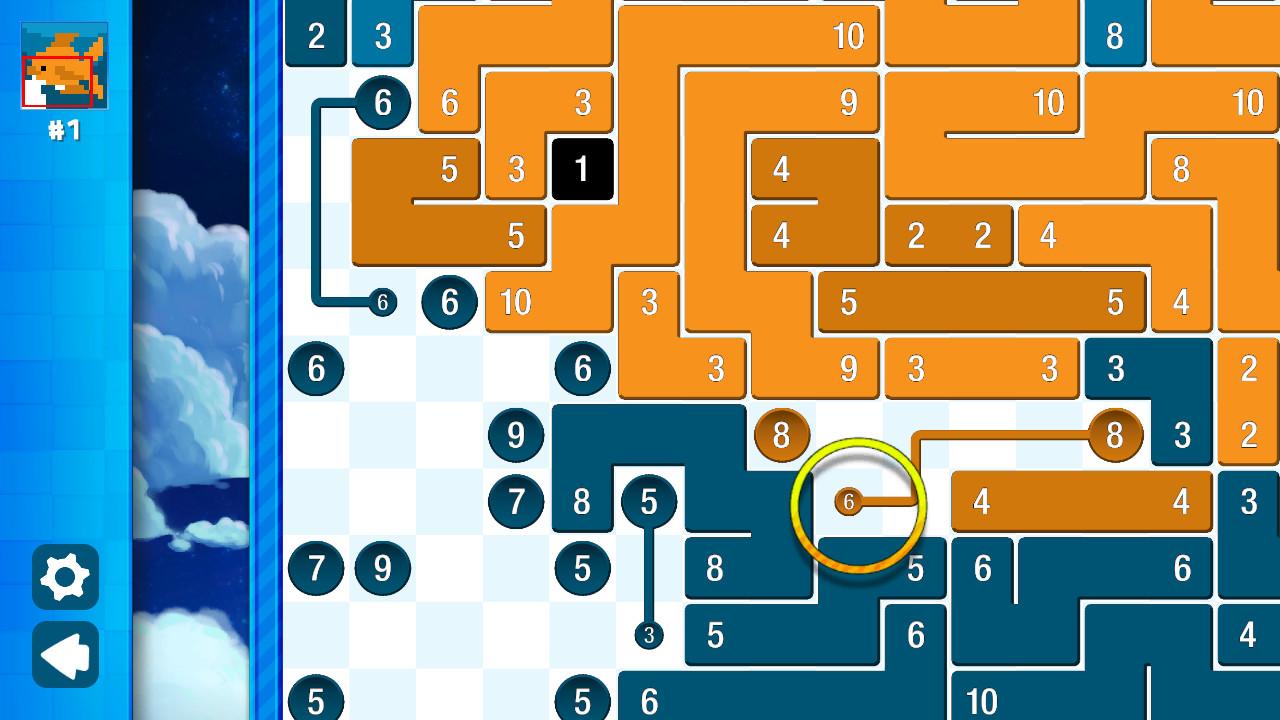
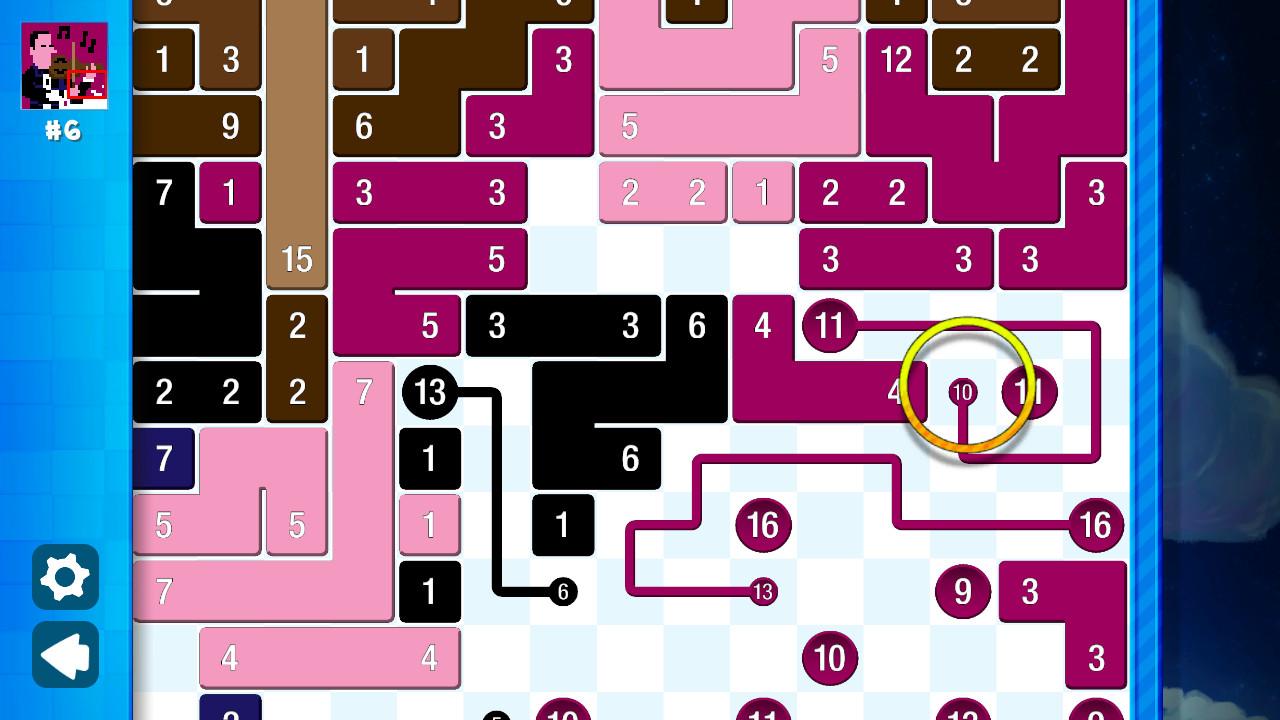
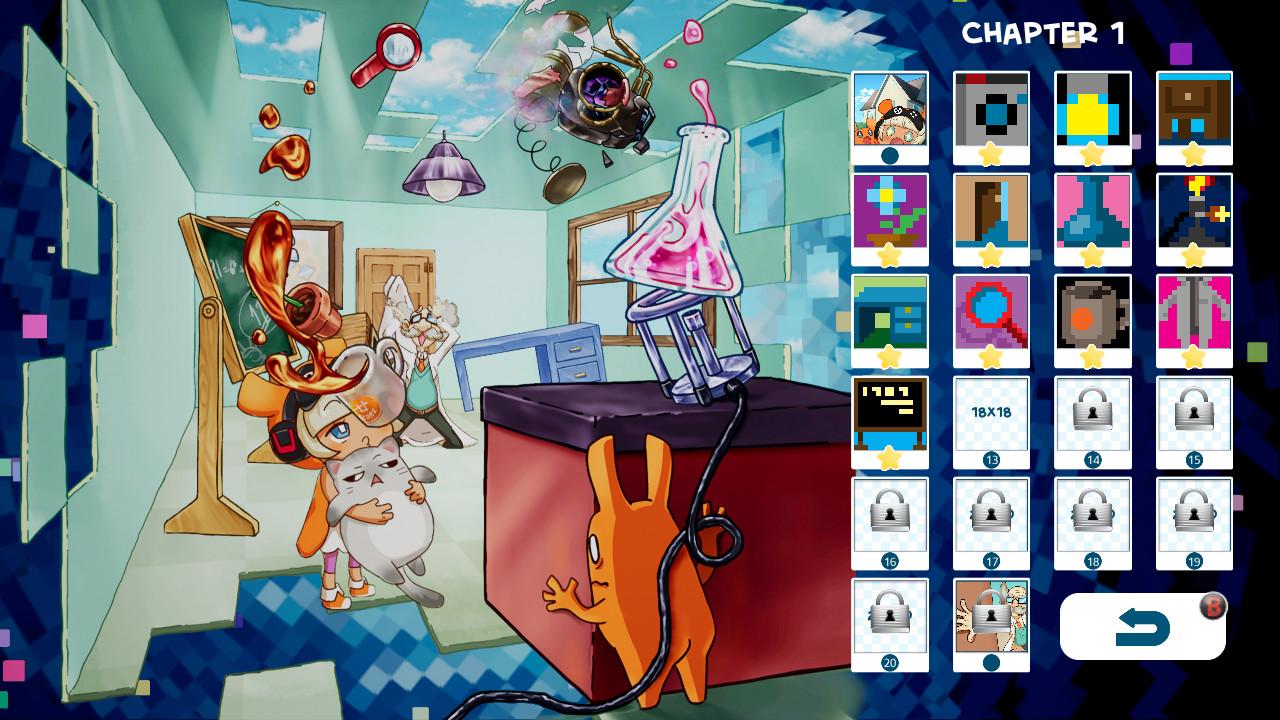
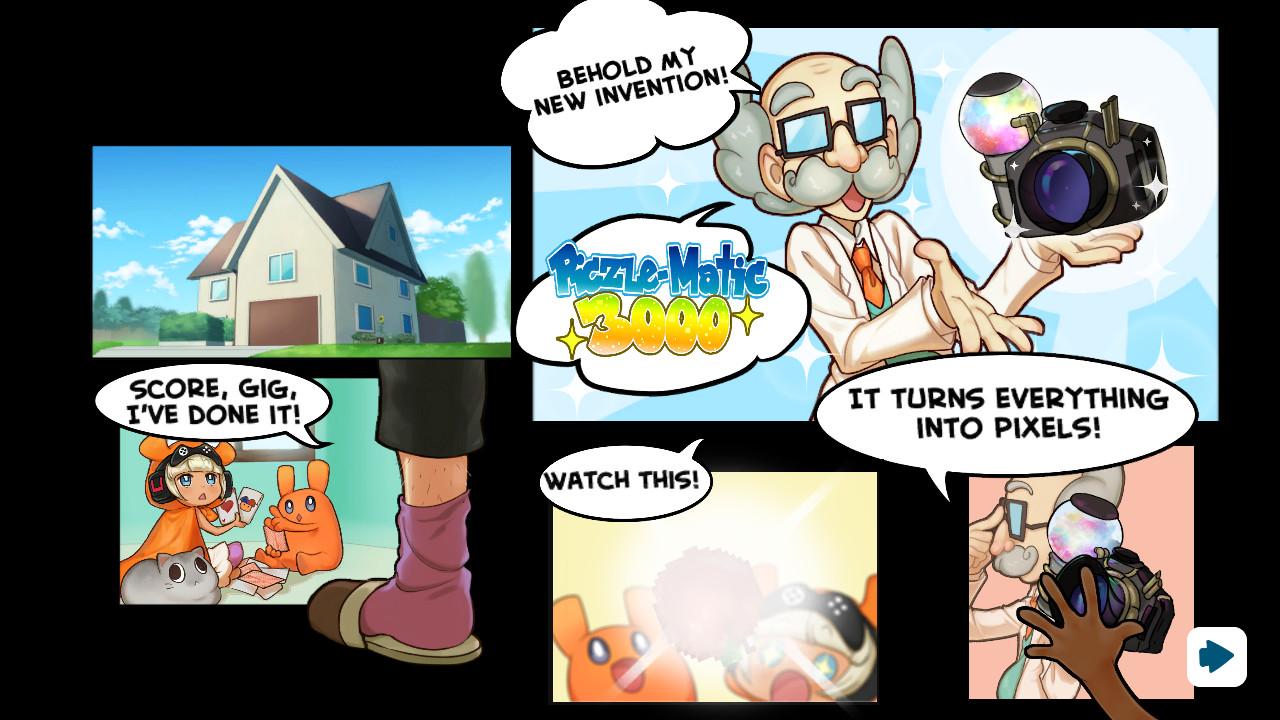
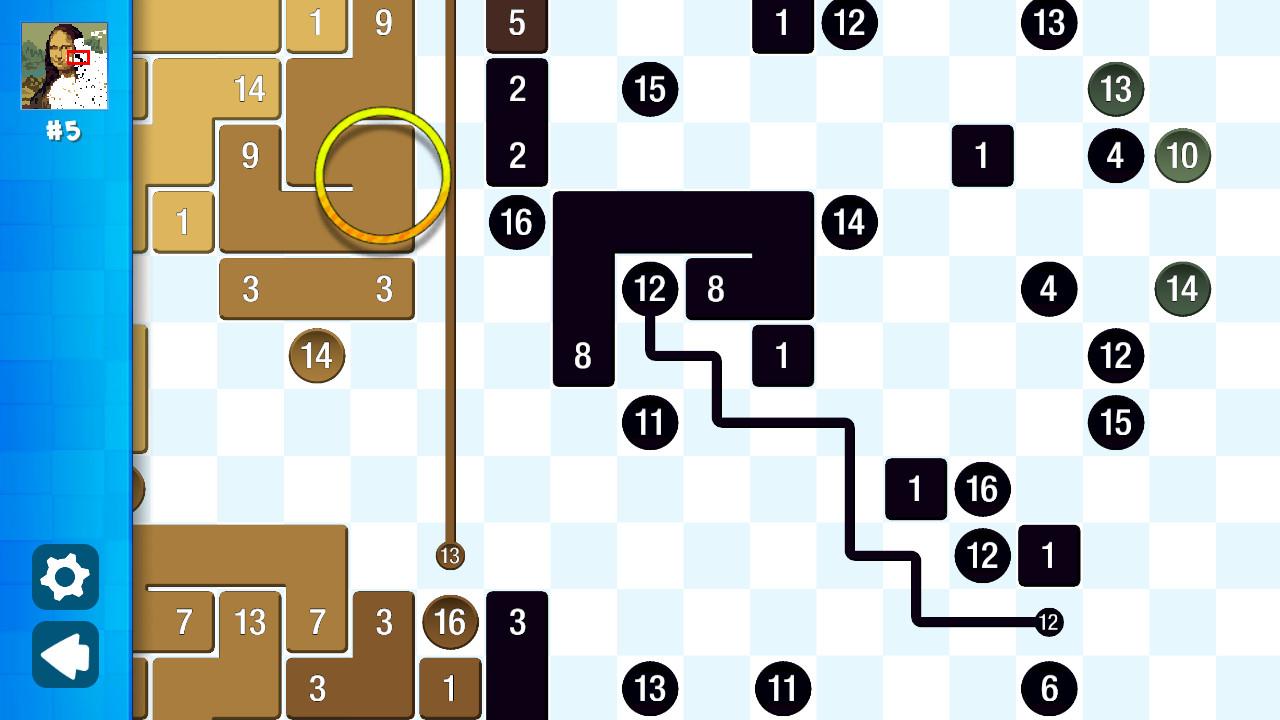
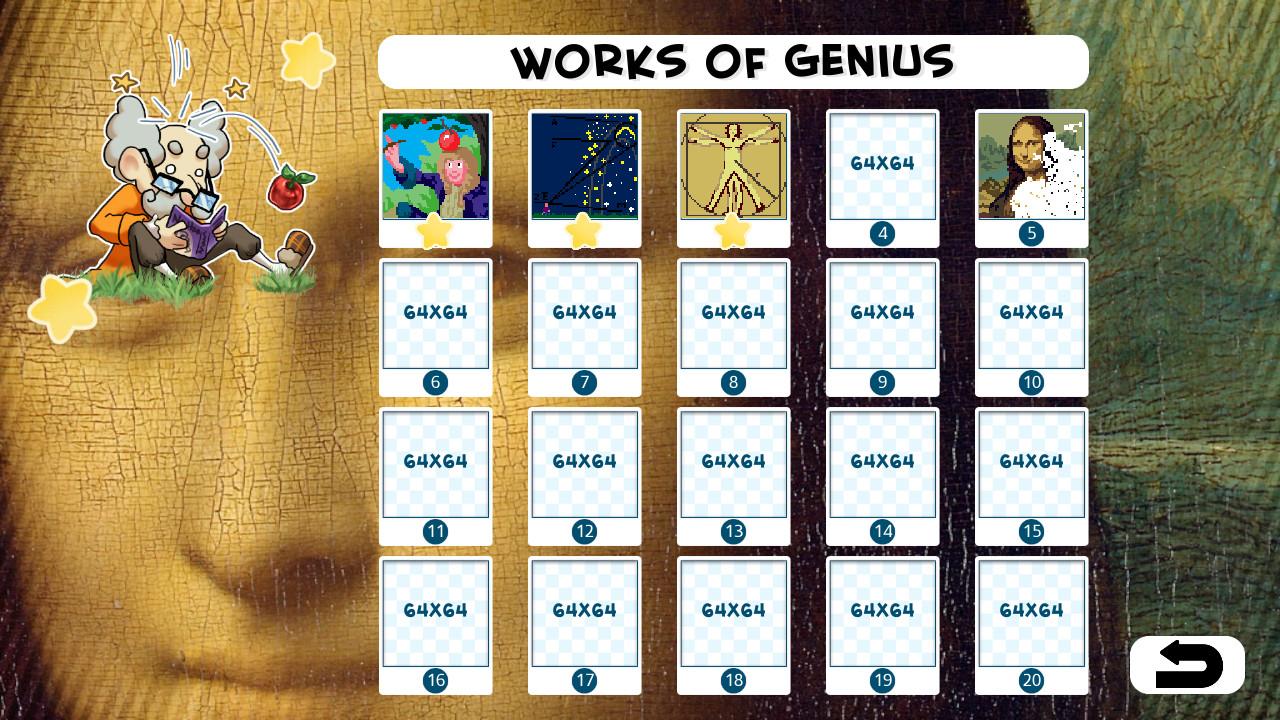
The follow-up to the highly praised prequel Piczle Lines DX offers hours of addictive, mind-bending logic-puzzle fun! Create pictures (PICture puzZLE) by connecting the right dots. Piczle Lines DX+α combines all 1100 puzzles from Piczle Lines DX and Piczle Lines DX 500 More Puzzles!, as well as the Piczle Art Gallery, trophies and an animated storymode for hours upon hours of brain-twisting entertainment! This is truly the ultimate version of Piczle Lines ever released! Features Story Mode – 5 chapters with 20 puzzles each Puzzle Mode – 50 themed puzzle packs with 20 puzzles each Animated comic – Follow our heroes’ misadventures as they piece the world back together again puzzle by puzzle Trophies – Earn in-game trophies and Steam achievements Art Gallery – See the art of Piczle up close and get a peek behind the scenes So many puzzles – 1100 puzzles for hour upon hour of addictive logic-puzzle fun Mouse & controller input – Play as you like Fully localised in 9 languages – Play in English, German, Spanish, Portuguese, Italian, French, Japanese, traditional Chinese or simplified Chinese 50 puzzle packs (making 1000 puzzles in total) cover a wide variety of themes Sports Japan Mythical beasts Boffins Fantasy and many (45) more!Puzzles range from a modest 20 by 20 grid squares all the way up to 64 by 64 and even 128 by 128 with difficulties from «not very» to «extremely hard»! The final pack, «one color puzzles» is in fact the most challenging set of puzzles in Piczle history: increasingly huge puzzles made up of entire one color. Can you solve them all?